In recent years, we have witnessed an increasing number of cyberattacks on our smart devices, such as laptops, tablets, and phones. Technology has advanced so rapidly that we can now consider even a vacuum cleaner, a refrigerator, or a television to be a smart device. Televisions, in particular, have become a frequent target of cybercriminals. Using your TV, they can steal the data it collects about you, or the TV itself can become part of another cyberattack.
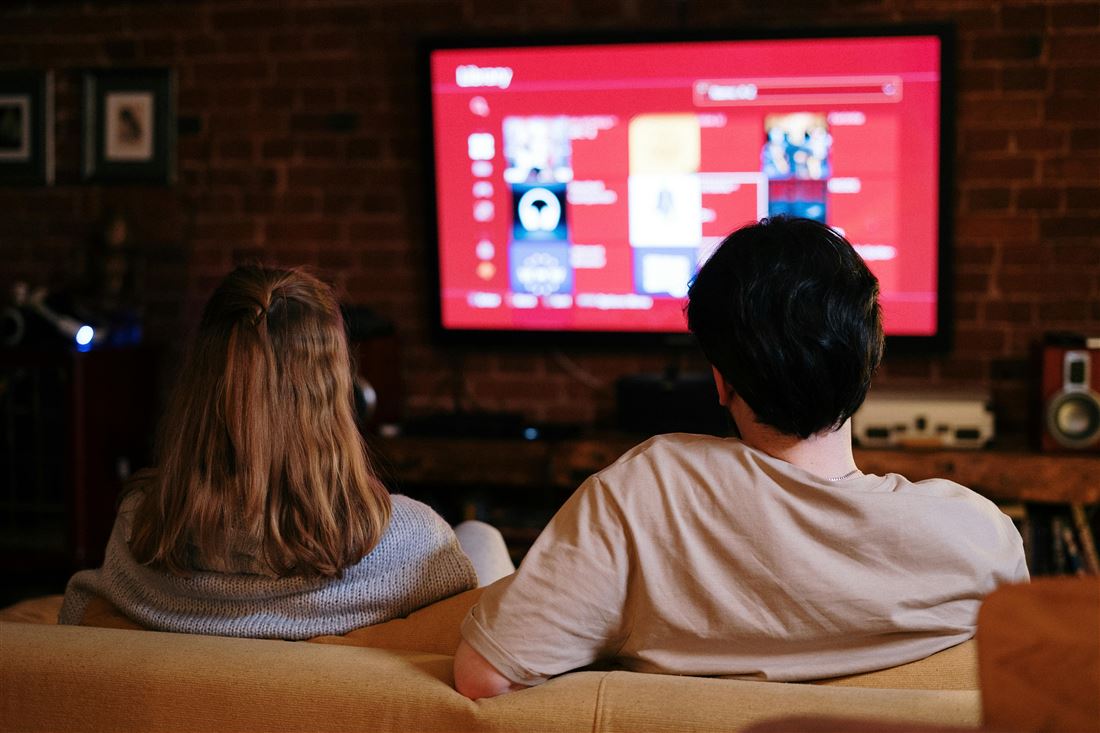
Not everyone realizes that modern smart TVs are just as powerful as computers. They can run games and apps and have powerful software. With computers, however, we make sure that the software and security systems are up to date, but we aren’t as careful with TVs. Software support for TVs often ends after 3–4 years, yet we tend to use them for much longer. Compared to phones, updates don’t come as frequently and tend to focus on the user interface rather than security. A TV can thus be “infected” with a virus (for example, when visiting a site with pirated movies or other content).
When a TV is infected with a virus, it can be used for a so-called DOS (denial of service) attack or a DDOS (distributed denial of service) attack. What is the difference between them?
DOS (denial of service) attack: the goal of the attack is to prevent legitimate users from accessing a service or website using a single specific device.
DDOS (distributed denial of service): The goal of the attack is again to prevent users from accessing a service or website, but in this attack, a larger number of devices are used to create a so-called network. Your TV can also become part of such a network, since it has an operating system.
Over the past 12 months, the number of these DDoS attacks has increased by as much as 500%. To the average user, it may seem that these attacks do not concern them. What can happen during such an attack? The goal is to disable a service or website, such as sales on an e-shop. The hacker uses a virus to gain access to various smart devices and sends small amounts of data from them to the e-shop’s IP address. When a large number of devices are used in such an attack, the e-shop can be overwhelmed with data and literally rendered inoperable. For the e-shop (i.e., the company), this can result in financial losses as well as the costs of restoring the site. For individuals, it can impact their ability to use a particular site or service. If such an attack were to target a bank, online banking, for example, could be rendered inoperable, which could also restrict its clients—that is, you.
Your smart TV unwittingly becomes part of the attack without your knowledge. The main problem is that manufacturers have stopped fixing older models and updating TVs, which increases the risk of this attack. Older TVs are not equipped with the latest software and are therefore not sufficiently secure.
Many TVs come with various apps, voice assistants, or streaming services that also collect our data. At the same time, your TV is connected to a network, most often a home network. The TV can be infected with a virus (malware), which allows a hacker to access the data the TV collects about you, and the hacker then steals it. They can sell it to third parties or demand a ransom from you. Another issue is the network access that the TV has. Through this access, an attacker can also gain entry to other devices on the network and steal your data from them as well. Most TVs today are also connected via an email address, which can become the target of a phishing attack. There are known cases where an attacker used the TV’s voice assistant to eavesdrop on conversations and spy on users. However, such cases are very rare.
How can you increase the security of your smart TV?
The safest option is to disconnect the TV from the internet. For most of us, this is practically unthinkable. We often watch TV shows or movies via streaming services and don’t want to be deprived of this entertainment. That’s why we’re offering some advice on how to proceed even with a TV connected to the internet:
When buying a TV, purchase only from verified sellers, not from unknown or suspiciously cheap sellers (especially since the TV may already be infected with a virus)
Keep automatic updates enabled or update it regularly yourself; check the date of the last update,
do not visit any suspicious websites or open questionable links,
do not install unknown third-party apps,
disconnect your smart device from the internet at the end of its lifespan,
turn off any services or apps you don’t need or where you’re uncomfortable with data sharing.
The Mozilla Foundation also examined the privacy policies of several streaming players. From a security and privacy perspective, platforms such as Google Chromecast, Amazon Fire TV, and Roku Streaming showed the lowest level of security. In contrast, Apple TV is considered a very good and secure platform in terms of security and privacy. It collects less data than, for example, Meta, which is considered a major plus.
The current era brings many risks, particularly in the area of cyberattacks. That is precisely why it is necessary to also pay attention to protecting devices such as televisions. Many reputable companies already provide security systems for smart TVs. Just as we protect our phones and computers, we should also protect our TVs.
SOURCES:
https://cybernews.com/editorial/connected-tv-security-headache-cyber-pros/
https://www.eset.com/sk/distribuovany-utok-odmietnutia-sluzby
