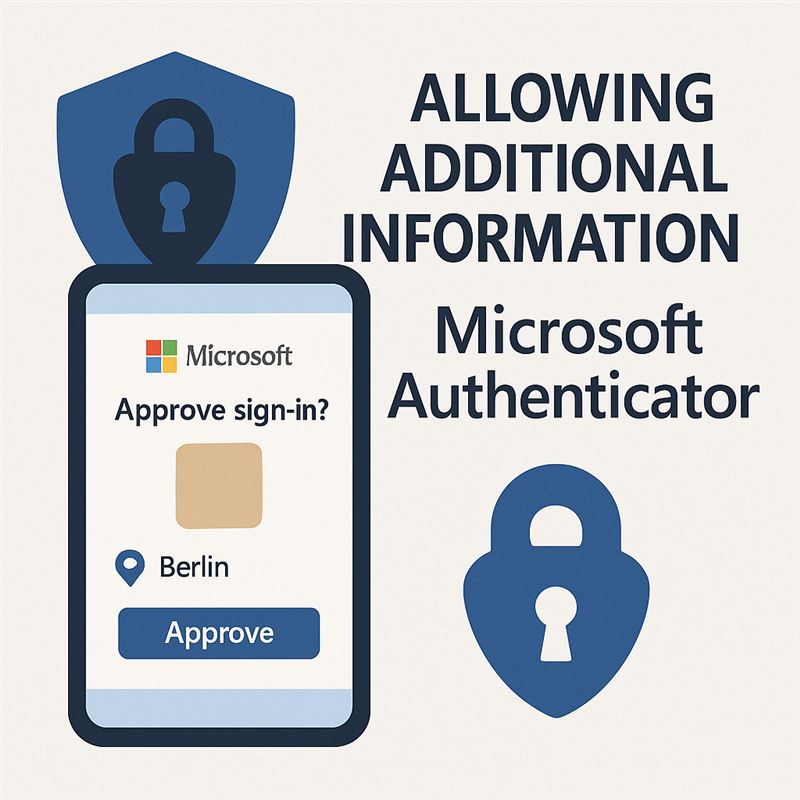
Configuring additional context in Microsoft Authenticator notifications is designed to enhance security during user sign-ins. It adds information such as the app name and the geographic location of the sign-in to passwordless and push notifications.
Security Benefits
- Increased user awareness: Users can see the name of the app requesting the login and the geographic location of the login. This allows them to better assess whether the login is legitimate.
- Prevention of unauthorized access: The geographic location provides useful context for identifying suspicious logins. If a user sees a login from an unexpected location, they can immediately reject it.
- Improved user experience: Additional context, combined with number matching, reduces the likelihood that a user will accidentally approve an unauthorized login.
How it works
When a user receives a passwordless sign-in or an MFA push notification in Microsoft Authenticator, they will see:
- App name: Indicates which app is requesting the sign-in.
- Geographic location: Displays the location from which the sign-in originates, based on the IP address.
Implementation and configuration
To enable this feature, you must:
- Enable passwordless sign-in and push notifications: Using the new authentication methods policy in the Microsoft Entra admin center or the Microsoft Graph API.
- Use the new policy schema: The older schema is deprecated, so you must use the new schema to avoid errors.
- Target group: Additional context can be targeted at a single dynamic or nested group. Both on-premises synchronized security groups and cloud-only security groups are supported.
Settings:
Entra ID admin interface:
Protection > Authentication methods > Microsoft Authenticator
Set Authenticator to Enable
.png)
In the Configure section, you need to enable:
.png)
For more technical articles, guides, and interesting IT topics, visit: www.virtualall.sk
